
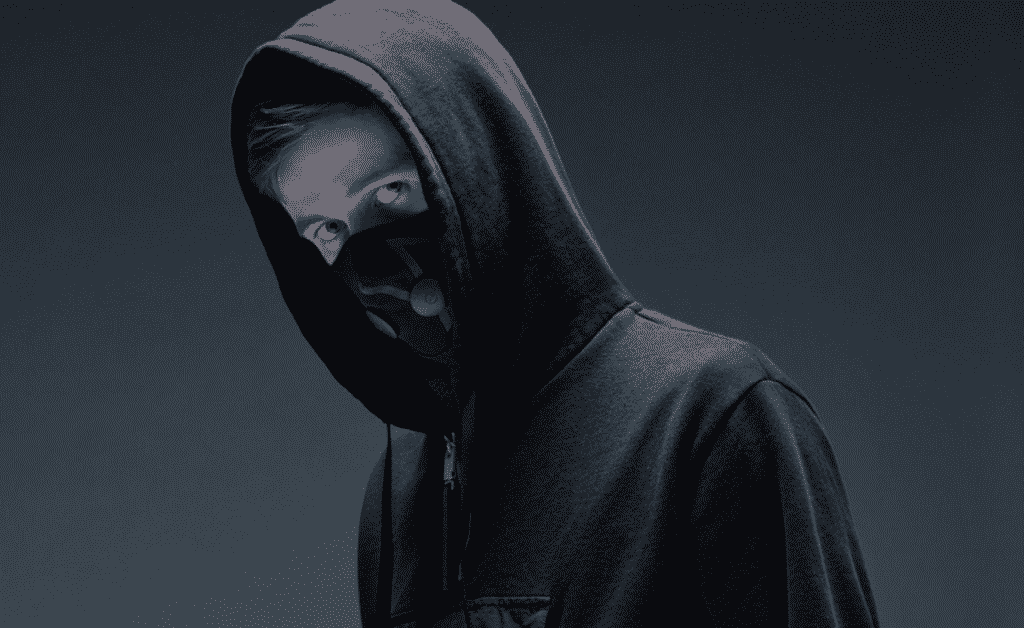
Alan Walker started producing music as a teenager in Bergen, Norway — a bedroom producer with a laptop and FL Studio. By the time he was 18, "Faded" had over a billion streams. His studio setup is well-documented across interviews and behind-the-scenes footage. Here's the full breakdown.
What DAW Does Alan Walker Use?
Alan Walker's primary DAW is FL Studio (Fruity Loops). He's been using it since before he went mainstream and has been public about it in interviews and documentary footage. For "Faded" and most of his catalogue, FL Studio is the core of his production workflow.
He's also used Cubase, Logic Pro, and Pro Tools at various points — but FL Studio is the one he keeps coming back to.
Alan Walker making "Faded" in FL Studio
What Synths Does Alan Walker Use?
- Sylenth1 — A staple virtual analog synth. Walker uses it for leads, pads, and bass. It has one of the warmest sound characters of any soft synth and comes with a large preset library.
- Nexus (reFX) — ROM-based synth with massive preset banks. Good for ready-made bass patches, plucks, and atmospheric sounds. Walker pulls from it when he needs something fast.
- Spire — Another versatile synth with 8 banks of presets. You can spot it in several Walker behind-the-scenes videos.
- Stock FL Studio synths — Walker is known for building custom sounds from scratch using FL Studio's built-in instruments. He's said in interviews that originality comes from not defaulting to preset sounds — and he practices what he preaches.
What Plugins Does Alan Walker Use?
- Waves Bundle — Waves plugins handle most of his EQ, compression, and effects chain. The Waves bundle covers everything from channel processing to mastering tools.
- Antares Auto-Tune Evo — Used for pitch correction and the distinctive robotic vocal effect that's a signature of his sound.
- TAL Plugins — Free and paid plugins with a vintage analog character. Good for tape-style saturation and lo-fi textures.
- Kickstart (Nicky Romero) — Sidechain compression plugin. The pumping, ducking effect you hear in electronic music — where the bassline breathes with the kick drum — comes from sidechain compression. Kickstart makes it instant.
- EchoBoy — A tape echo / delay plugin. Used for the distinctive delayed repeats on Walker's synth leads and vocals.
What Hardware Does Alan Walker Use?
- AKAI Pro LPK25 — Mini MIDI keyboard for sketching melodies
- AKAI MPK Mini — Compact pad controller
- Audio Technica ATR2500-USB — USB condenser mic
- Mackie Big Knob Studio Command System — Monitor controller
- UA Apollo Quad Firewire — Audio interface for high-quality recording
Alan Walker Uses FL Studio. So Do We.
This is the part worth paying attention to: Walker built his entire career — billions of streams, Tomorrowland mainstage, sold-out world tours — starting on a free version of FL Studio in a bedroom. Not a professional studio. Not Logic in a high-end Mac. FL Studio on a laptop.
The software is not the barrier. The knowledge is.
At PartyMap Academy's Electronic Music Production course, we teach on FL Studio and Ableton Live — the two DAWs used by the majority of working electronic music producers. The course is instructor-led, not pre-recorded videos. A real producer sits with you (or with you live online) and teaches you:
- Beat making and rhythm programming
- Sound design — how to build synth patches from scratch, not just use presets
- Arrangement — how to structure a full track from intro to outro
- Mixing and mastering — the exact workflow Walker and every professional uses before release
- Release strategy — how to actually get your music out
Duration: 3.5 months, twice a week. Classroom in Mumbai-Andheri and Kolkata, or live online from anywhere — India, abroad, doesn't matter.
If you've watched Walker's studio footage and wondered "could I actually learn to do that?" — yes. That's exactly what the course is designed to answer.
Enquire about the next EMP batch →
PartyMap Academy has been training music producers since 2011.