
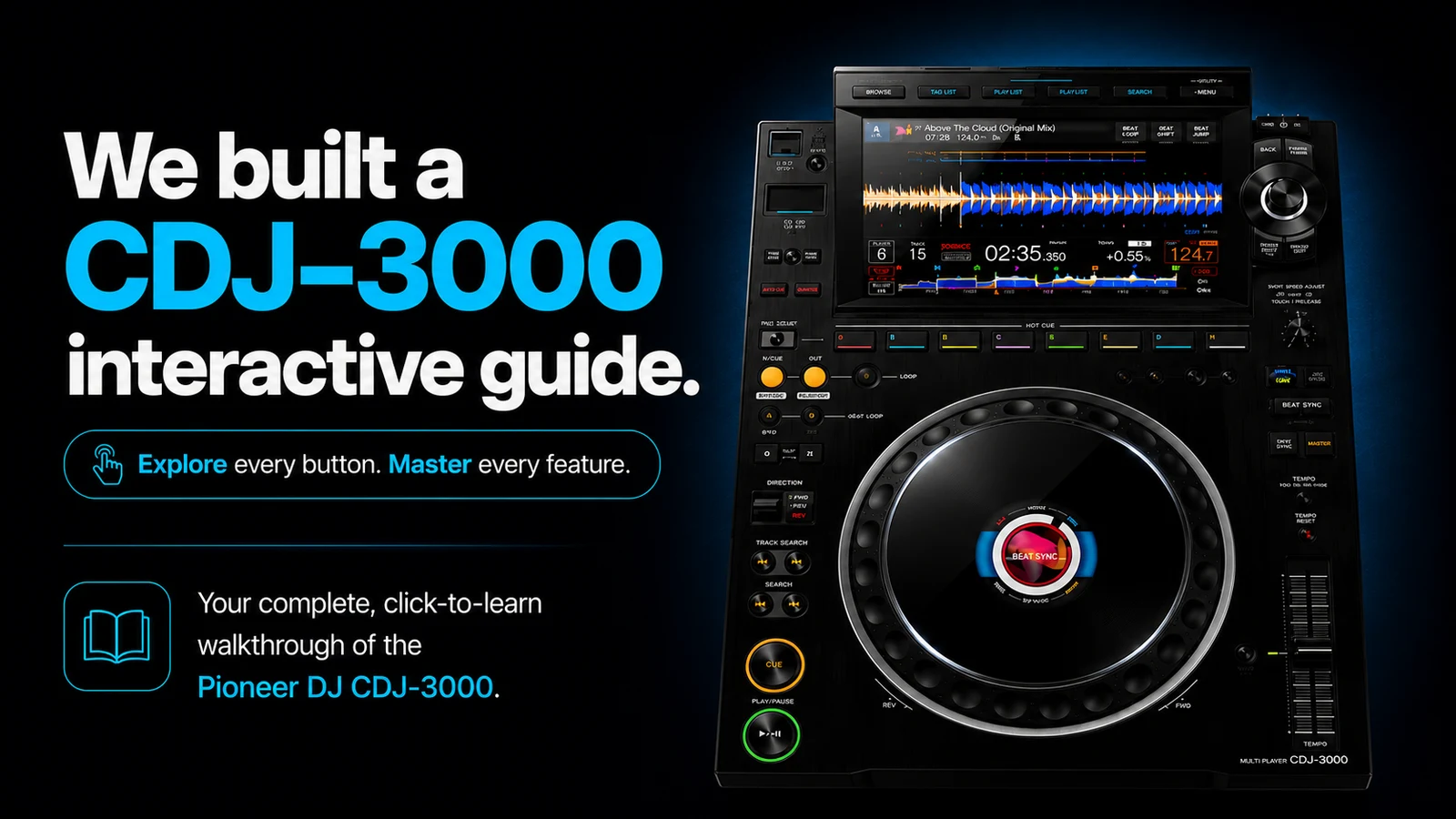
The CDJ-3000 is the deck you'll face in almost every serious club booth in the world — and the fastest way to learn it is to drill its button paths before you ever stand in front of one. This guide covers every workflow that matters — cueing, loops, hot cues, beat sync, keyword search — with the exact button sequences from Pioneer's official instruction manual. And instead of making you memorise a wall of text, we've embedded an interactive menu simulator below: type what you want to do, and it shows you which buttons to press, in order.
Skip to the interactive simulator
Why the CDJ-3000 is worth learning properly
Pioneer DJ's CDJ-3000 has been the club-standard media player since 2020 — it's what's installed at festivals from Tomorrowland down to your local Saturday-night venue. When our alumnus DJ Roop played Tomorrowland, nobody asked what controller he practised on at home. The booth had CDJs. The booth always has CDJs.
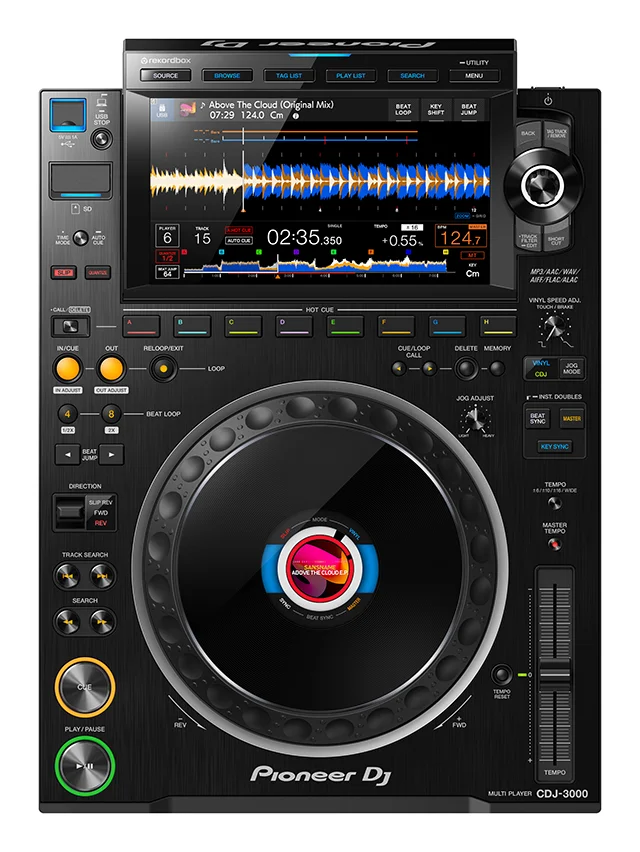
Here's the thing that surprises most learners: the hard part of the CDJ-3000 isn't the mixing — it's the navigation. If you learned on a controller, your laptop was doing the browsing, searching, and library management. On a CDJ there is no laptop. You press SOURCE to pick your USB drive, BROWSE to open the track list, and drive everything with a rotary selector and a 9-inch touchscreen. Every performance feature — memory cues, quantized loops, slip mode, beat jump — lives behind a specific button or button combination, and the booth is a bad place to discover you don't know it.
Try it: the CDJ-3000 menu simulator
Below is a working slice of the CDJ workflow trainer we're building at PartyMap Academy. It contains real button paths for every CDJ-3000 workflow in Pioneer's official manual — 49 workflows plus all 24 UTILITY settings and the 4 SHORTCUT-screen settings, each individually searchable (try "brightness"). Type what you want to do ("loop", "hot cue", "sync") or tap a category — then tap any workflow to see the exact button sequence.
Popular workflows
Browse by category
Every path above is sourced from the official Pioneer DJ CDJ-3000 Instruction Manual. The full trainer — with a visual deck you can tap and a step-by-step highlight animation — is in development at PartyMap Academy.
The 6 workflows to drill until they're muscle memory
If you only practise six things before your first club booth, make it these — in this order:
- Load a track —
SOURCE→ device →BROWSE→ rotary selector. Sounds trivial; under booth pressure with 200 people watching, it isn't. - Set and return to a cue point —
CUEduring pause to set,CUEduring playback to jump back. The CDJ pauses at the cue, unlike most controllers that keep playing — this one difference throws almost every controller DJ the first time. - Hot cues — eight buttons, A–H, set with one press, deleted with
CALL/DELETE+ button. Your intro, first drop, vocal and outro should live on A–D for every track you play regularly. - Instant beat loop —
4 BEAT LOOPduring playback, then halve/double to taste. This is your safety net when a track runs out before the next one's ready. - Beat Sync (and when not to use it) —
MASTERon the lead deck,BEAT SYNCon the follower. Know it, use it sparingly, and be ready to mix without it — plenty of venues run tracks that were never rekordbox-analyzed, and sync simply won't engage. - Keyword search — the
SEARCHbutton with the on-screen keyboard. Digging through a 2,000-track USB with the rotary selector mid-set is how trainwrecks happen.
Coming from a controller? What actually changes
For professional and hobbyist controller DJs moving up to club gear, the honest list of differences worth practising:
- No laptop, no waveform overview of your whole library. Preparation moves into rekordbox before the gig: cues, loops and grids must be set on the USB, because editing them on the unit mid-set is slow.
- The cue button behaves differently. CDJ cue = jump and pause. Hold it to audition (Cue Point Sampler), release to snap back.
- Memory cues vs hot cues are separate systems. Hot cues are the 8 pads; memory cues are set with
MEMORYand recalled withCUE/LOOP CALL— great for marking mix-in points that shouldn't waste a pad. - Slip mode is your creative safety harness. Scratch, reverse or loop while the track keeps running silently underneath — release, and you're exactly where the dancefloor expects you to be.
- Quantize forgives late fingers. With
QUANTIZEon, cues and loops snap to the grid. Learn to perform with it off, gig with it on.
How we use this at PartyMap Academy
Our DJ courses train students on industry-standard club gear, with course direction by DJ Akhil Talreja. The workflow trainer above becomes the homework layer: students drill the button sequences between sessions, so studio time goes into actually mixing instead of hunting for the loop button. If you're in Kolkata, Bengaluru, Thane or Guwahati, there's a branch near you — and everyone else can learn online with the same syllabus.
FAQ
Is the CDJ-3000 hard to learn if I've only used a DJ controller?
The mixing skills transfer; the navigation doesn't. Plan dedicated practice on the menu system, cue behaviour and button workflows — that's the actual gap, not beatmatching.
How many hot cues does the CDJ-3000 have?
Eight per track (buttons A–H), settable in one press during playback or pause. rekordbox can pre-author them so they auto-load with the track (Hot Cue Auto Load).
Does Beat Sync work with any track?
No — it needs rekordbox-analyzed tracks. Unanalyzed files won't sync, which is exactly why club DJs still learn manual beatmatching.
Can I practice CDJ-3000 workflows without owning one?
Yes — use the simulator in this post to drill the button sequences, then get hands-on time at a school with real club gear. A CDJ-3000 costs around ₹2.7 lakh per deck in India; a DJ course is a much cheaper way to get your hours in.